
-
Best POS Software in Pakistan | Smart Billing & Inventory Management
Posted by on November 23, 2026 at 10:48 amPOS Software: A Buyer’s Guide to Choosing the System Behind Every Sale
Every sale your business makes passes through one piece of technology, and if it’s slow, confusing, or unreliable, customers feel it immediately. That’s why choosing Affordable POS Software is less like picking a gadget and more like hiring a team member who works every shift. The right one speeds up checkout, keeps stock accurate, and turns daily sales into useful insight. The wrong one creates queues, errors, and headaches at month-end.
This guide walks through how POS software works, the main types, the features that matter, and a practical way to compare options.
What POS Software Actually Does
Point of sale (POS) software is the program that records a sale, takes payment, issues a receipt, and updates your records at the same moment. Modern systems go well beyond that. They connect checkout with inventory, staff, customers, and accounting, so one transaction feeds several parts of your business.
Think of it as three layers:
-
The front counter: ringing up items, discounts, refunds, and payments
-
The back office: stock levels, purchasing, pricing, and reports
-
The connections: accounting packages, online stores, loyalty tools, and payment providers
A system that handles the first layer well but neglects the others will leave you doing manual work behind the scenes.
Cloud-Based vs. On-Premise POS SoftwareCloud-Based Systems
Cloud POS stores data online and is accessed through a browser or app. Updates happen automatically, you can check sales from anywhere, and adding a second location is usually straightforward. The trade-off is dependence on an internet connection, so check whether the software has an offline mode.
On-Premise (Local) Systems
Local software runs on your own hardware and servers. It can work without internet and gives you direct control of your data. However, you’re responsible for backups, updates, and security, and remote access is often limited.
For most small and mid-sized businesses, cloud-based POS software is now the practical default. On-premise still suits businesses with unreliable connectivity or specific compliance needs.
Features That Matter (and Ones That Don’t)Core Essentials
-
Fast, simple checkout: If staff need lengthy training to ring up a sale, it’s too complicated
-
Flexible payments: Cards, contactless, mobile wallets, cash, gift cards, and split payments
-
Inventory management: Real-time stock counts, low-stock alerts, barcode scanning, and product variants
-
Reporting: Sales by product, hour, employee, and location
-
User permissions: Control who can issue refunds, change prices, or open the till
Valuable Extras
-
Customer profiles and loyalty programs to encourage repeat visits
-
Integrations with accounting, e-commerce, and email marketing tools
-
Employee management, including time tracking and performance reports
-
Multi-location management from a single dashboard
Features to Treat Cautiously
Long feature lists can be misleading. If you run a single clothing shop, you probably don’t need kitchen display screens or table management. Pay for what you’ll use, not what looks impressive in a brochure.
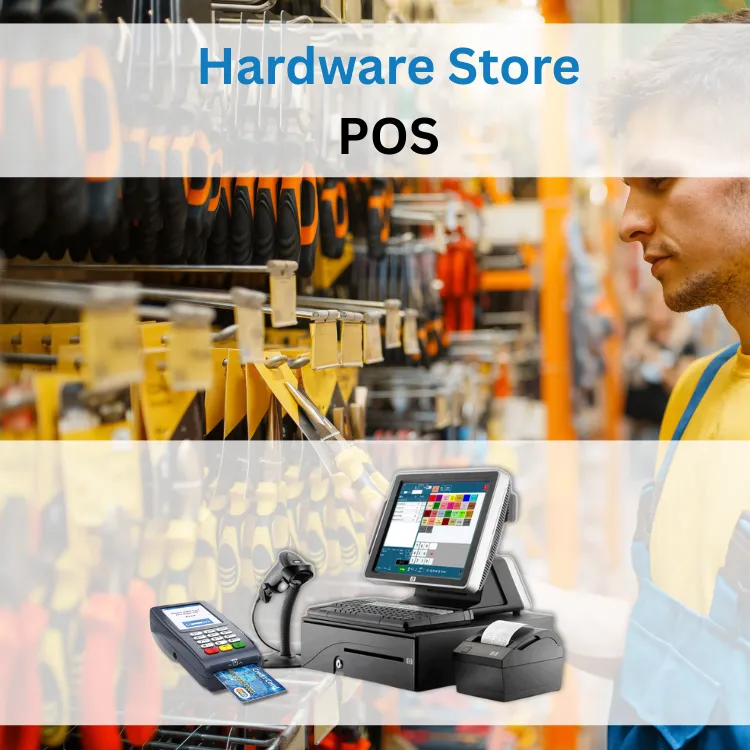
Streamline your business operations with reliable POS software Pakistan, offering smart billing, inventory management, sales tracking, and multi-branch support for retail stores and restaurants.
Matching Software to Your Business
Retail: Prioritize inventory depth, barcode support, product variations, and e-commerce syncing.
Restaurants and cafés: Look for table management, modifiers, kitchen order routing, tipping, and split checks.
Service businesses: Appointment booking, deposits, and staff scheduling often matter more than stock control.
Mobile and pop-up sellers: Choose lightweight software with a compact card reader and fast setup.
Age-restricted products: If you sell alcohol, tobacco, or similar items, ID check prompts at checkout help staff stay compliant.
A Simple Framework for Comparing Options
-
Write down your must-haves. Separate real needs from nice-to-haves before looking at demos.
-
Check total cost. Include software subscription, hardware, payment processing fees, add-on modules, and any setup or support charges.
-
Test it. Use a free trial or live demo, and have the staff who’ll use it daily try a few transactions.
-
Ask about data. Can you export your products, customers, and sales history if you switch providers?
-
Check support quality. When the system fails on a busy Saturday, how quickly can you get help, and through which channels?
-
Look at reviews carefully. Focus on comments from businesses similar to yours, and notice recurring complaints rather than one-off stories.
Common Mistakes When Choosing POS Software
-
Choosing on monthly price alone. Processing fees and hidden add-ons can make a “cheap” plan expensive.
-
Ignoring hardware compatibility. Confirm the software works with the printers, scanners, and card readers you plan to use.
-
Overbuying. Complex systems slow staff down if most features go unused.
-
Underestimating migration. Moving products and customer data takes planning, so budget time for it.
-
Skipping training. Even excellent software gives poor results if your team isn’t comfortable with it.
Getting the Most After You Switch
Roll out the system in a quiet period if possible. Set up product categories and tax settings carefully at the start, because errors there ripple through every report. Review your sales data weekly for the first couple of months. Patterns such as slow-moving stock or peak hours will help you make better ordering and staffing decisions.
Final Thoughts
Good POS software does more than process payments. It keeps your stock honest, your reporting clear, and your checkout fast. The best choice isn’t the one with the most features or the lowest price, but the one that fits how your business actually runs.
Start with your needs, compare total costs, test with real staff, and make sure you can take your data with you. A system chosen this way should support your business as it grows, rather than holding it back.
Improve your business efficiency with a modern point-of-sale system featuring fast billing, real-time inventory tracking, detailed sales reports, and seamless multi-branch management.
fadeshub.com
Best POS Software for Modern Businesses | FadesHub
Do you want to upgrade your business? FadesHub’s POS Software is here to help to boost your sales and grow. Try it today! Manage sales, inventory & more easily.
-
Sorry, there were no replies found.
Log in to reply.